

Ready for Takeoff? Launch monitors capture precise data about your swing, club impact, and ball flight to help you understand the dynamics driving your shot performance. If you want to build distance, fix a slice, or hit that backspin wedge, learn what your smash factor, spin rate, angle of attack, clubface angle, and impact location tell you. Data once available only to tour pros is yours. Most golfers focus on outcomes. Whether working swing changes or building a home golf simulator, launch monitors show you cause and effect. Modern units range from affordable radar devices to premium high-speed camera systems.
Explore Products by Category
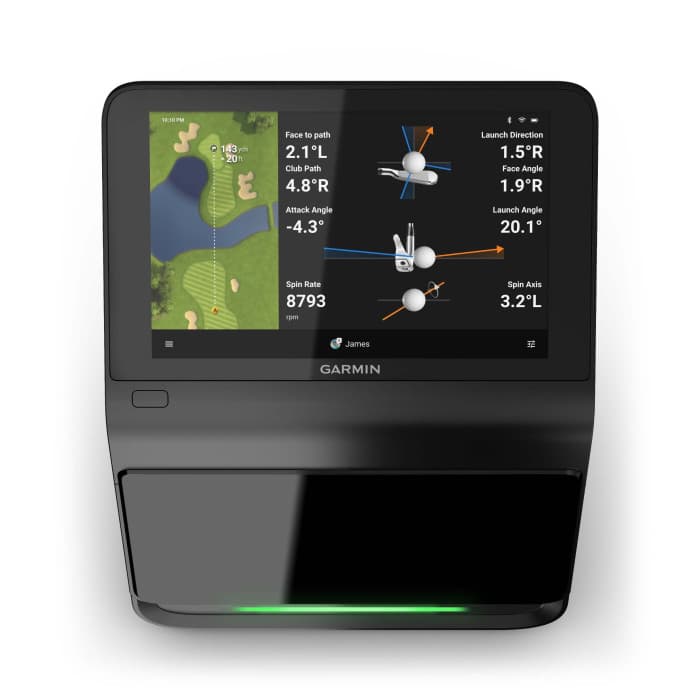
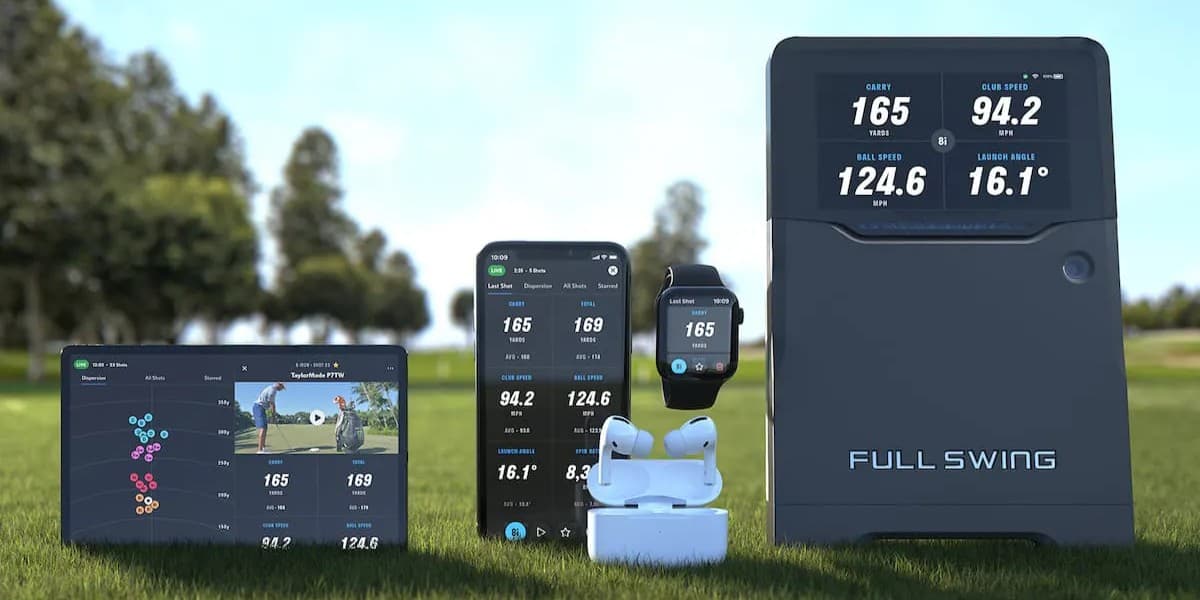

Golf Launch Monitors
Learn More About Using Launch Monitors
Understanding Your Miss Patterns
Launch monitors take the guesswork out of your swing results. The goal is to understand your patterns—even tour players have dispersion—so you can work on them during practice and play to them on the course. Establish baseline with 10-15 shots for each club. Maybe your smash factor is 1.40 when it should be 1.48 with better swing efficiency. If your face-to-path is slightly open, you may have a reliable fade. A wider angle may explain a frustrating slice. If your 8-iron shows positive attack angle, you're probably hitting shots thin. That's why they don't check up on greens.
Turning Numbers Into Better Shots
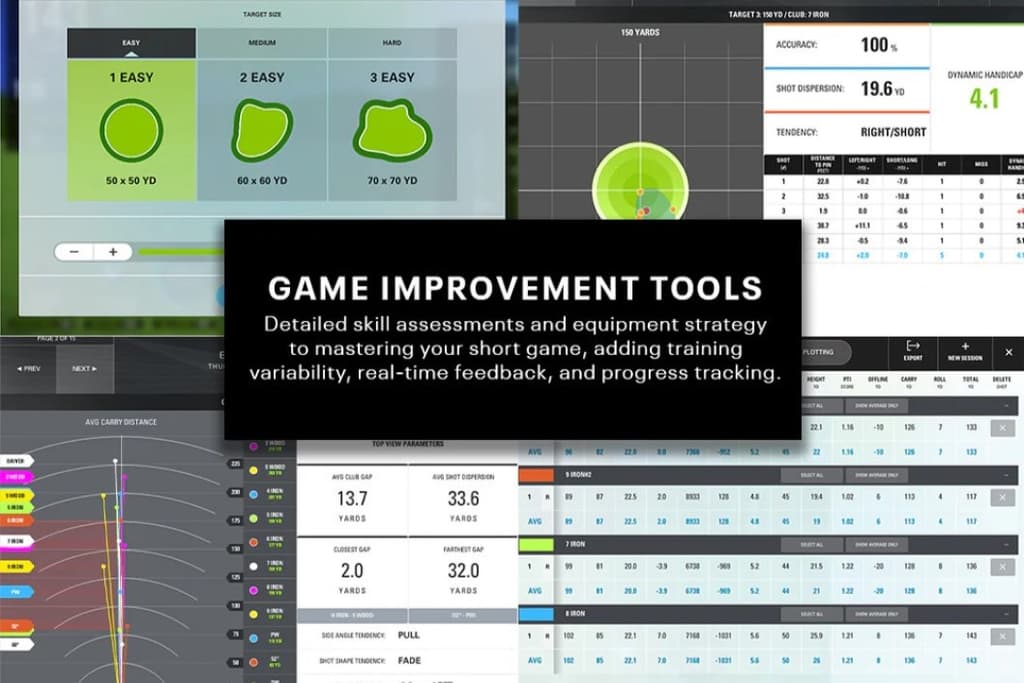
The real power is understanding the relationship between what you do and what the ball does to work on the actual issue instead of chasing symptoms. Your club delivery (path, face angle, attack angle) directly causes your ball flight (launch, spin, curve). Compare your baseline to benchmarks for golfers at your skill level to identify where you have the biggest gaps. A 15-handicapper shouldn't worry about 2,545 RPM driver spin like the Tour average. But if you're at 4,000 RPM, that's worth addressing. Launch monitors provide immediate feedback — make a swing change and see if it worked. That tight feedback loop accelerates improvement. Set specific practice goals. Instead of "hit it better," try "reduce spin by 300 RPM" or "move attack angle from +2 to -1 with my 7-iron."
Practice With Purpose
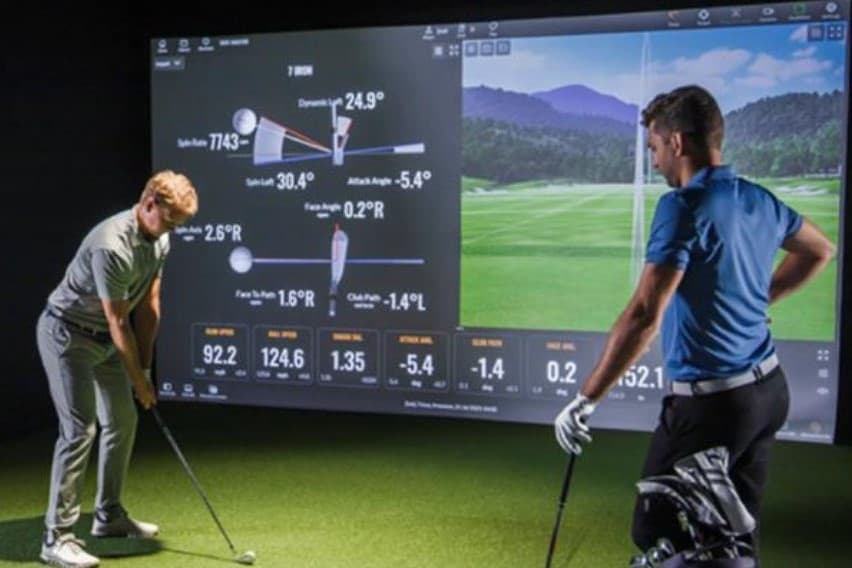
You can set your own goals, but even better, work with a professional instructor who can help you make the physical (and mental) changes to achieve them. Concrete targets give practice direction and measurable progress. For example, focus on gapping with your irons. You might discover your 5-iron and 6-iron fly the same distance, or a 25-yard gap between pitching and gap wedge. For wedges, focus on ball speed, not swing length. Producing consistent ball speeds - maybe 50 mph for a 75-yard shot — can improve distance control and spin.

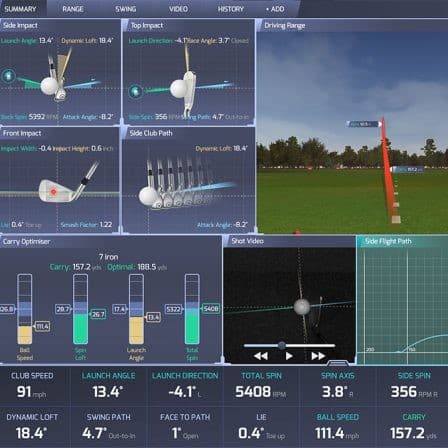
Golf Launch Monitors
All in the Metrics
Launch Monitor models provide a wide range of ball data, club data, and swing metrics. Here are 6 Numbers Every Golfer Should Know.
- Carry Distance
- Distance from impact to where the ball hits ground is most important for club selection.
- Face to Path Angle
- The difference between face angle and club path at impact drives shot shape left or right.
- Smash Factor
- Smash factor shows how efficiently you transfer club speed energy to ball speed.
- Attack Angle
- Negative attack hits down at impact to help compress the ball. Positive helps drivers hit up.
- Low Point
- Where the club reaches its lowest point relative to the ball. For irons, you want low point in the turf after the ball (i.e. the divot).
- Face Impact Location
- Where you strike the ball on the clubface. Despite advances in club technology, off-center strikes still impact performance.
Golf Launch Monitors
More Technology and Features
Performance Training Software
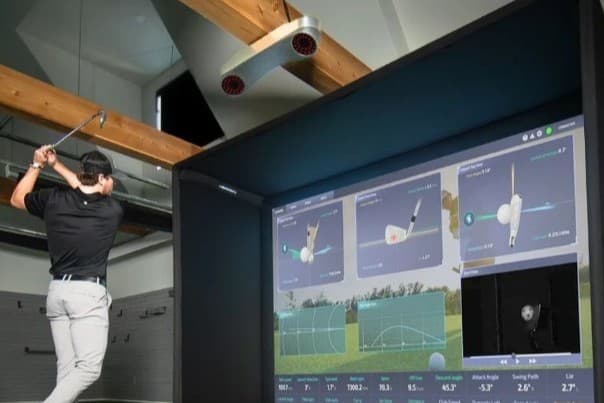
Performance software transforms launch monitor data into actionable insights. Real-time shot analysis with detailed metrics on every swing, video integration that syncs your movements with data, and comparison tools that benchmark your numbers. Advanced platforms include AI-powered motion analysis that tracks key positions in your swing, speed training modes that measure clubhead velocity without hitting balls, and structured practice protocols. Track progress over time, identify patterns, and highlight areas where you're gaining or losing strokes. Whether you're working with an instructor or solo, turn data into a clear picture of what you need to improve.
Virtual Course Software
Simulation software brings bucket-list golf courses to you, letting you play virtual rounds on realistic or even lidar-scanned layouts. These platforms can render courses in stunning detail — from fairway contours to green slopes. Your launch monitor data drives your ball flight. Beyond single-player rounds, you can compete in online tournaments with golfers worldwide, play matches with friends, or practice course management scenarios. Packages range from curated collections to thousands of community-created courses. Modern courses feature 4K graphics and even Modern realistic ball physics.